GameLock turns your Mac lock screen into a game room. Set a timer, pick a game, and actually disconnect. Touch ID is the only way back.
macOS 14 or later · No subscription · Free updates
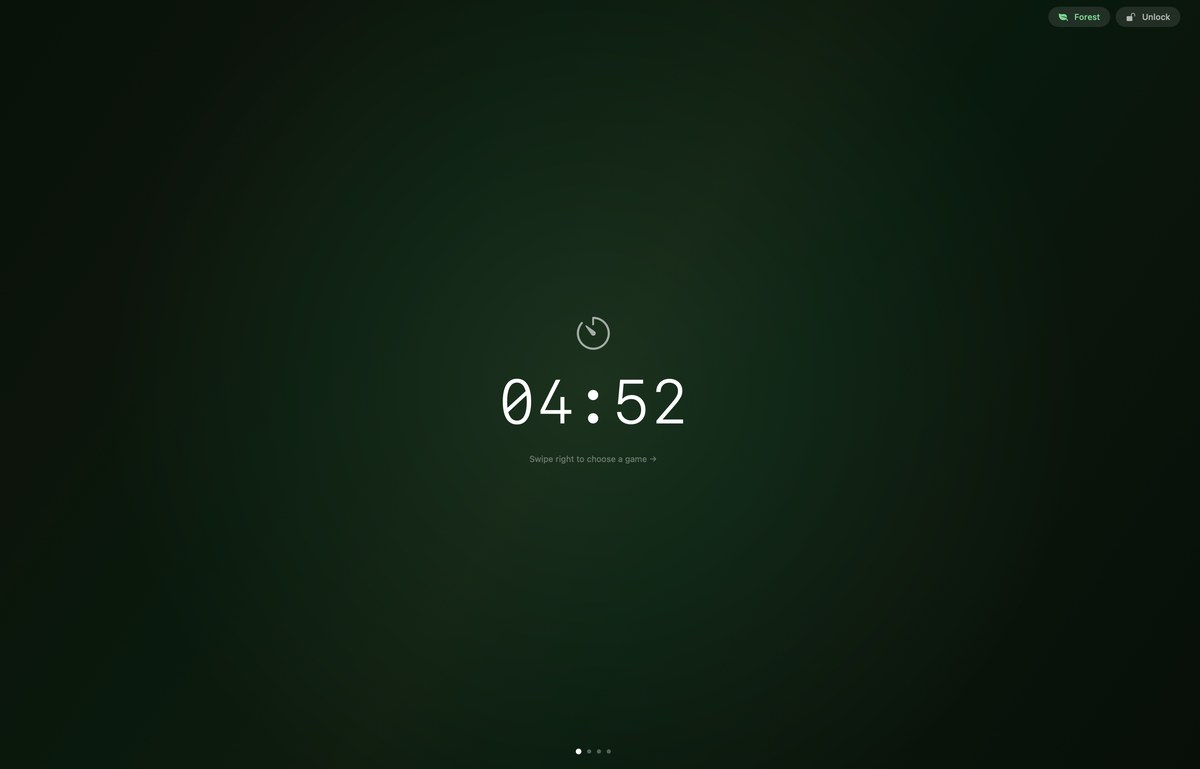
Set a timer, lock your Mac, and pick a game. Touch ID is the only way back — no shortcuts, no cheating.
Choose 5 to 30 minutes — or go free play with no limit.
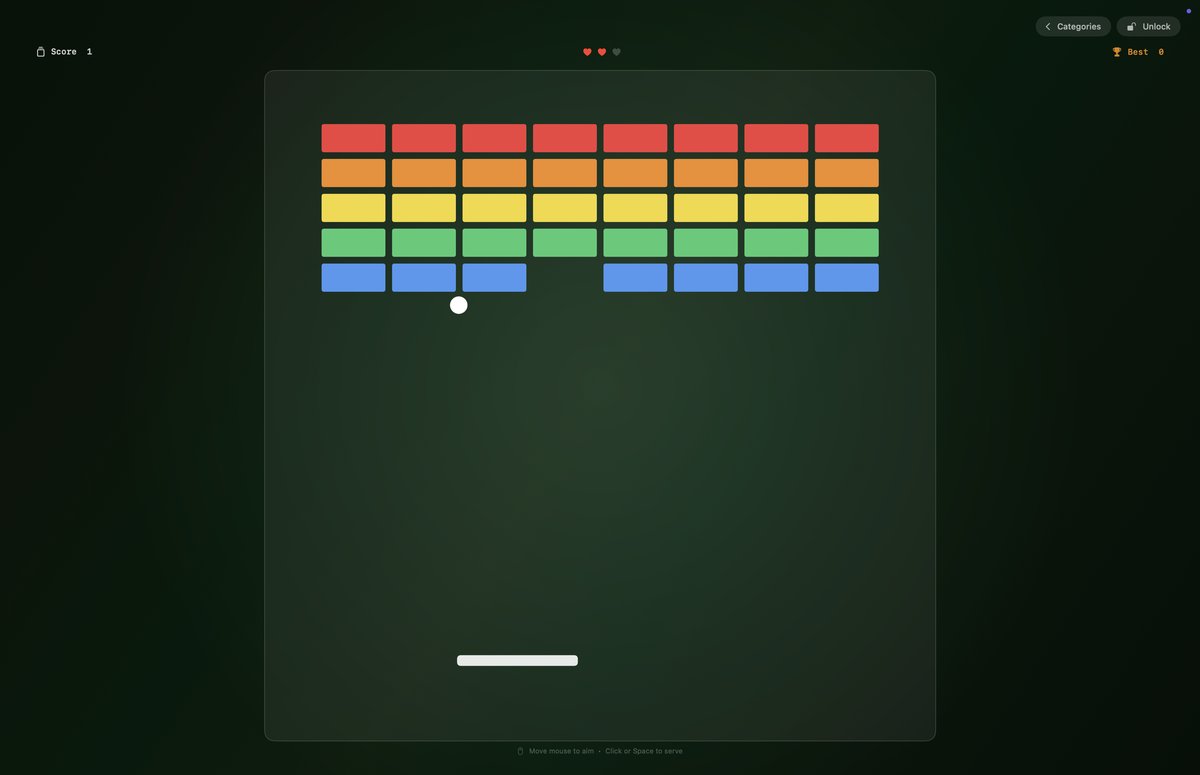
GameLock covers your entire screen. Pick from 9 games and actually disconnect.
When time's up — or when you're ready — Touch ID or password unlocks.
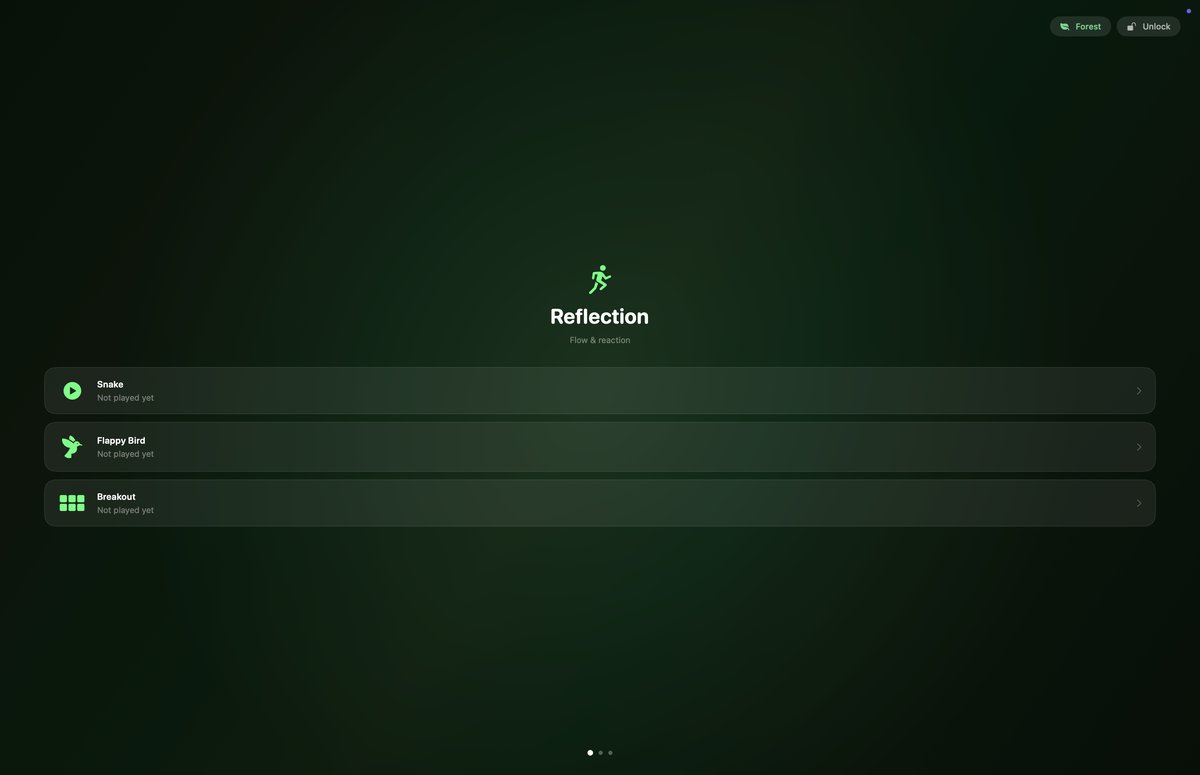
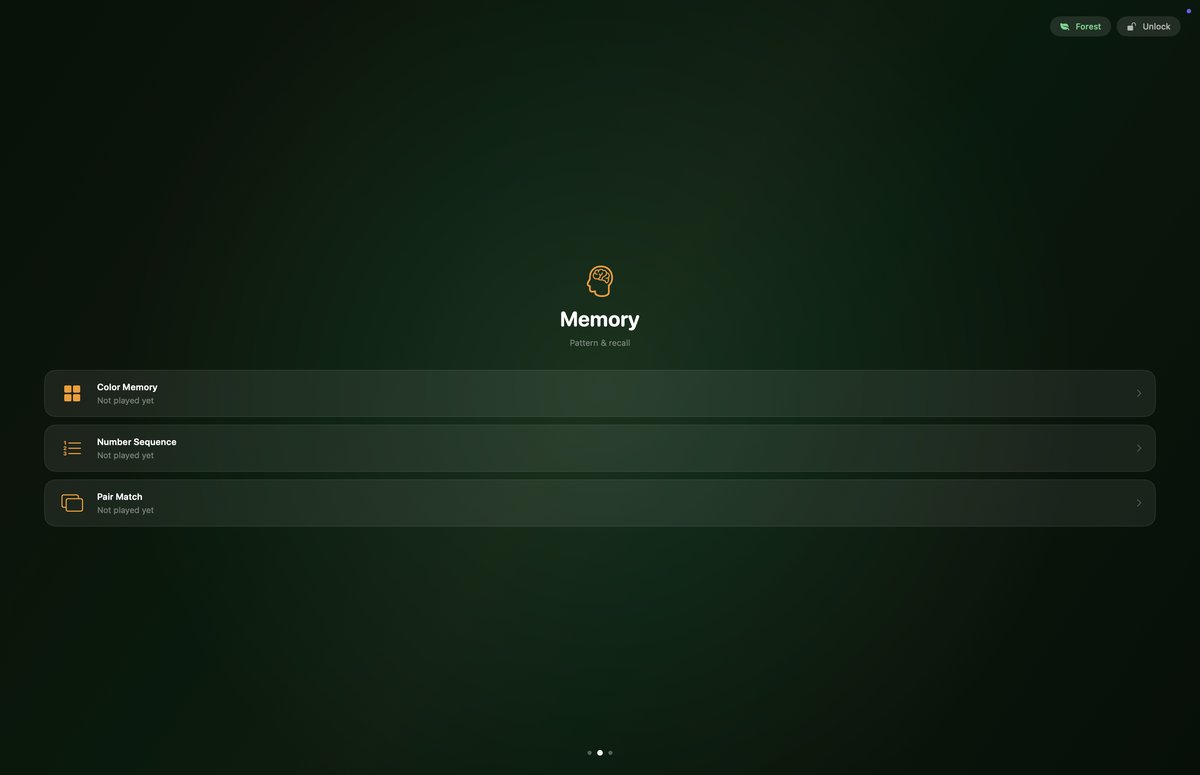
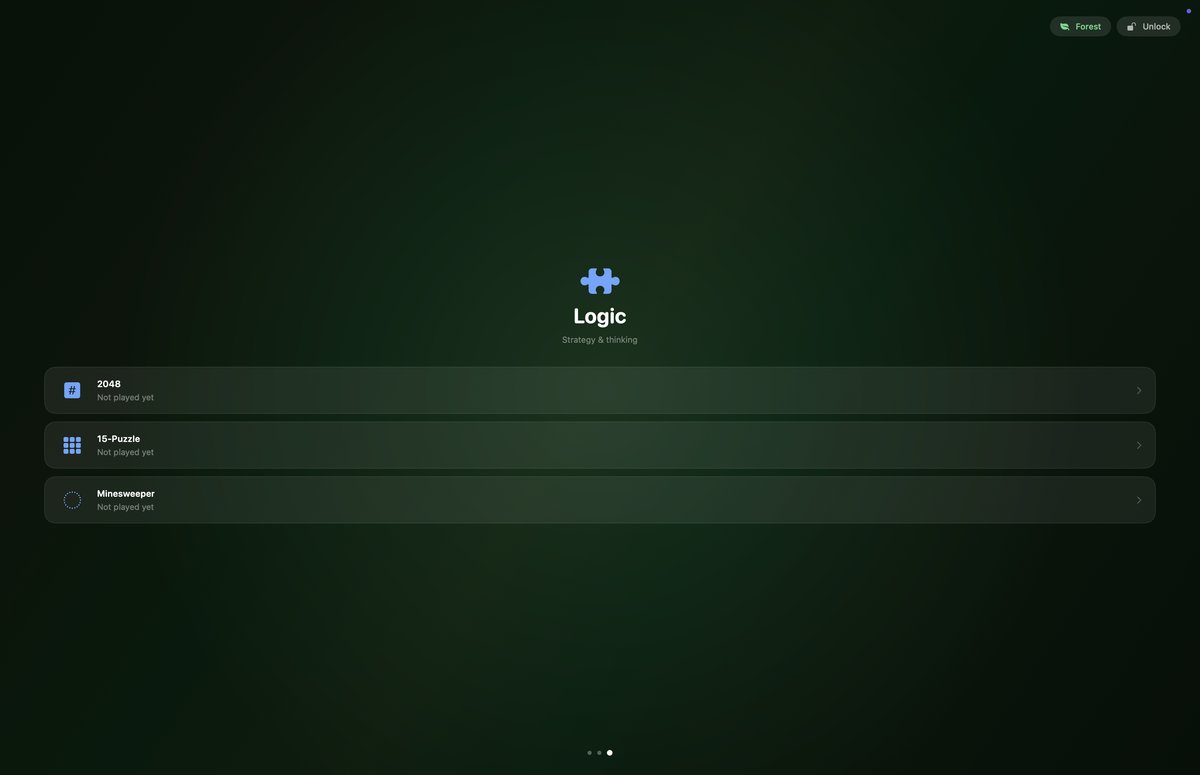
Reflection for flow, Memory for sharpness, Logic for focus.
A different kind of break every time.
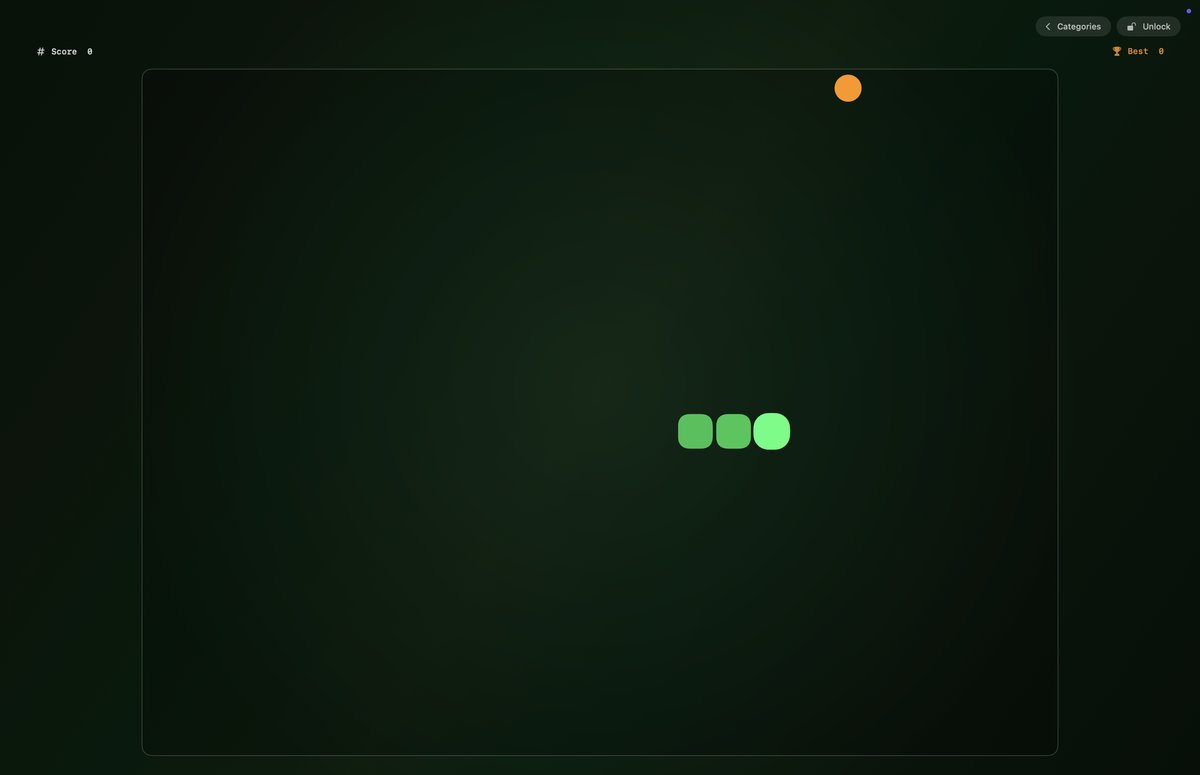
🐍 Snake
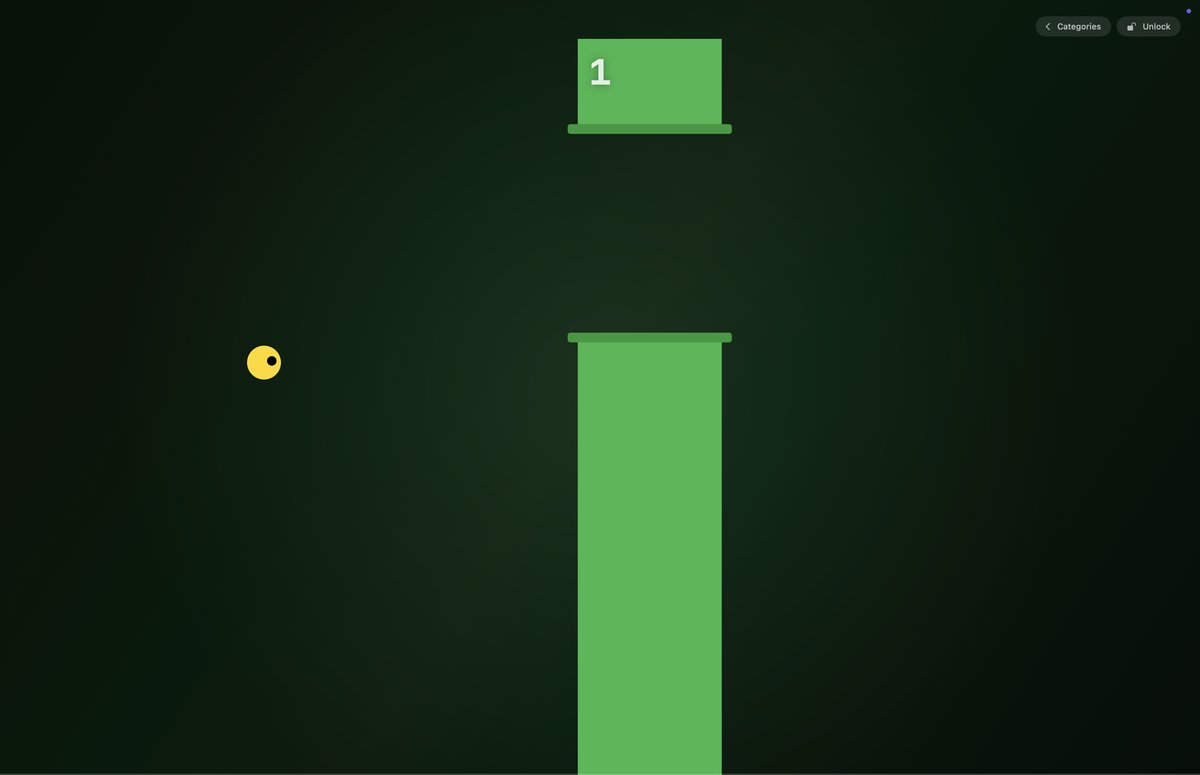
🐦 Flappy Bird
🧱 Breakout
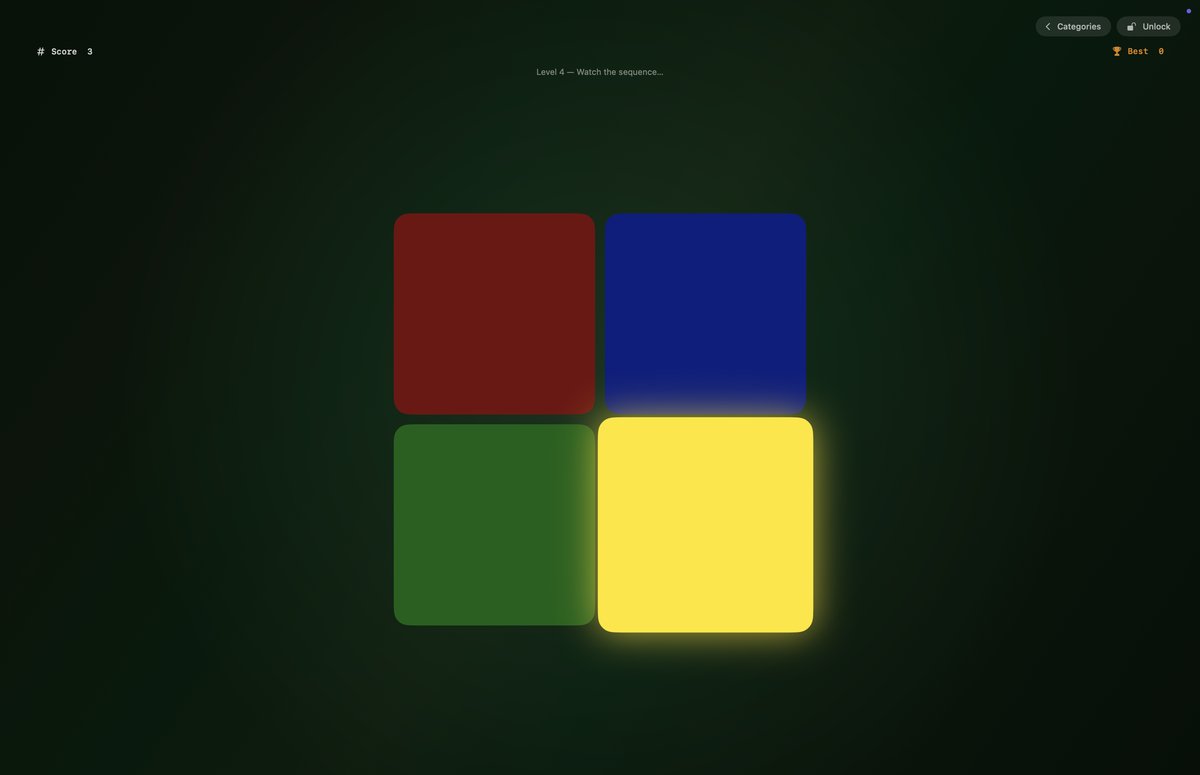
🎨 Color Memory
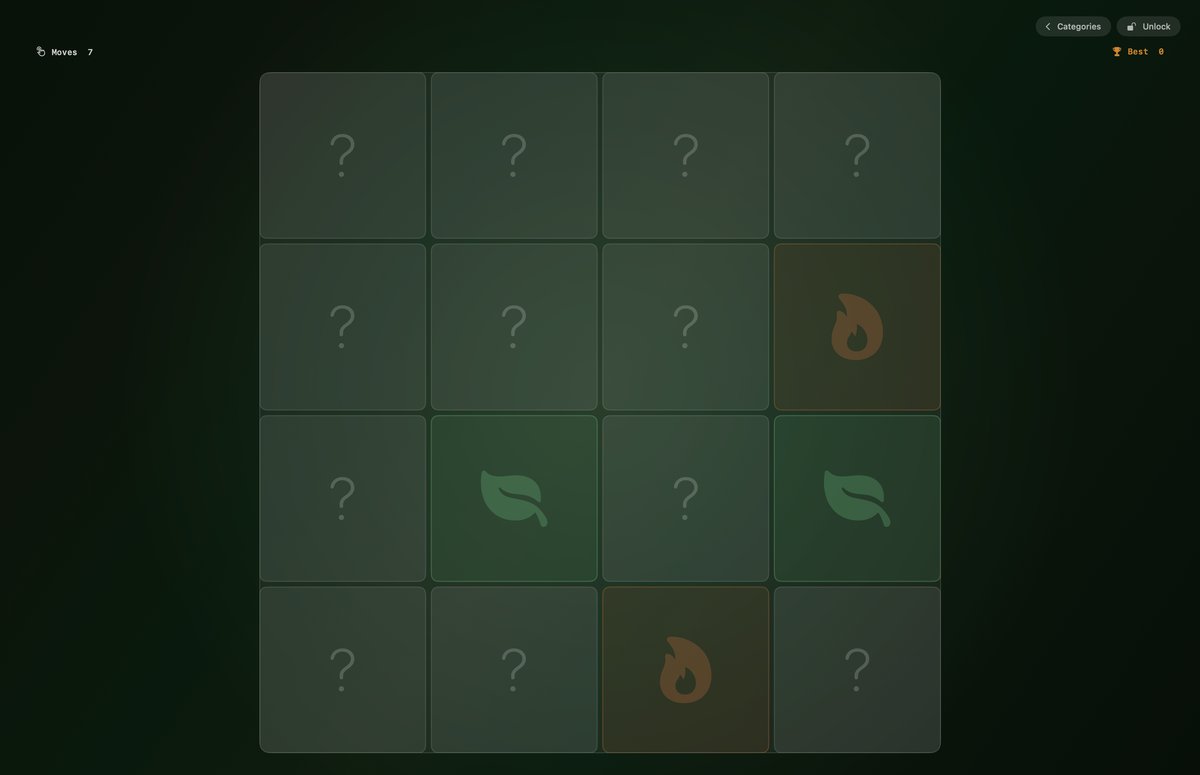
🃏 Pair Match
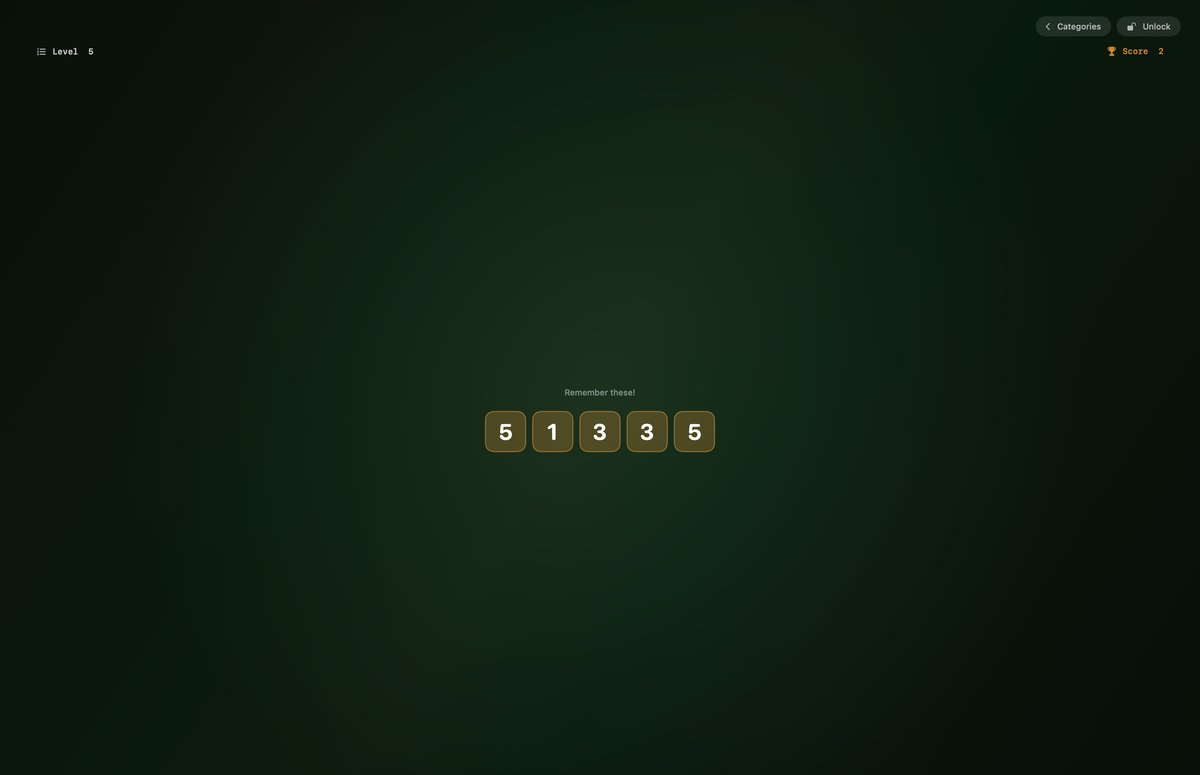
🔢 Number Sequence
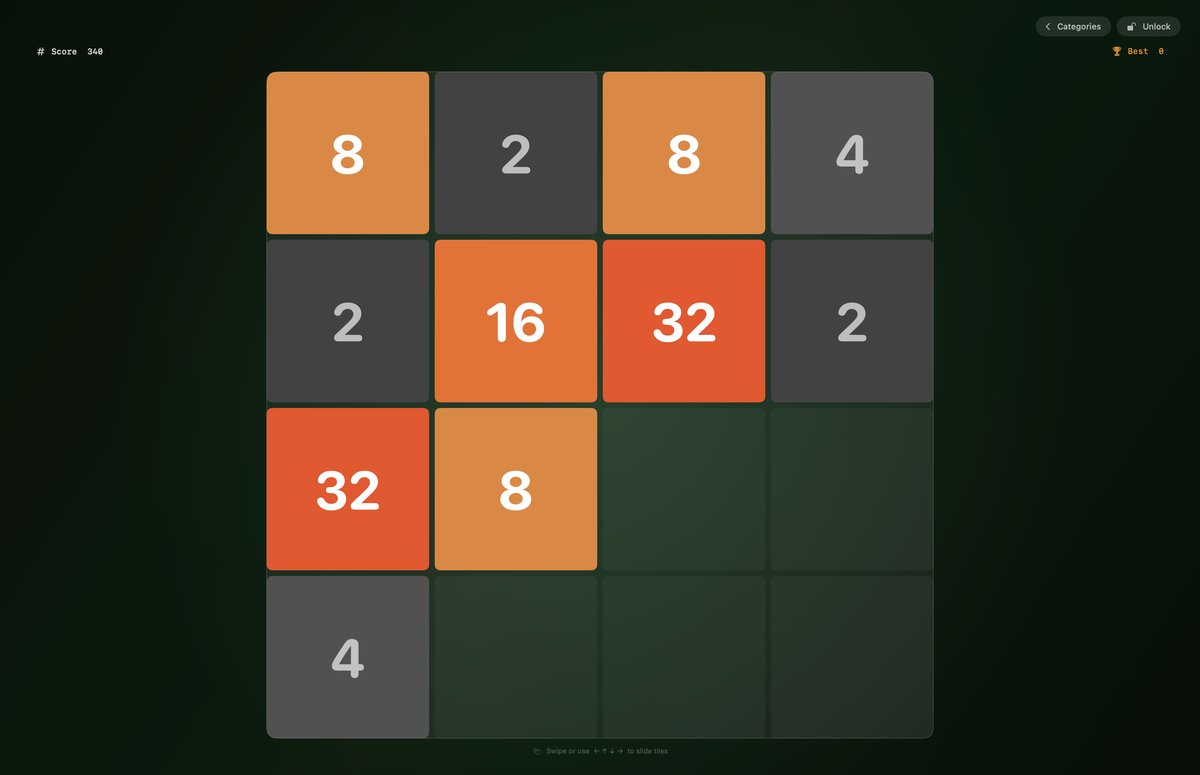
🔢 2048
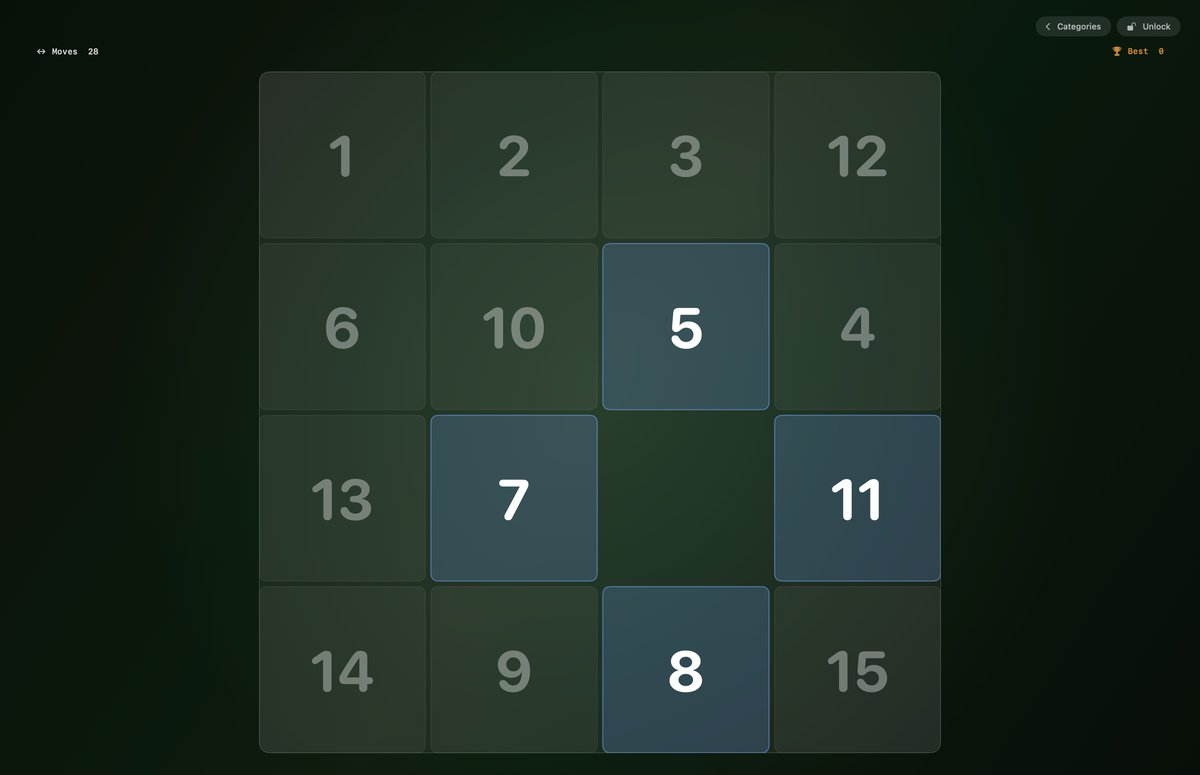
🔲 15-Puzzle
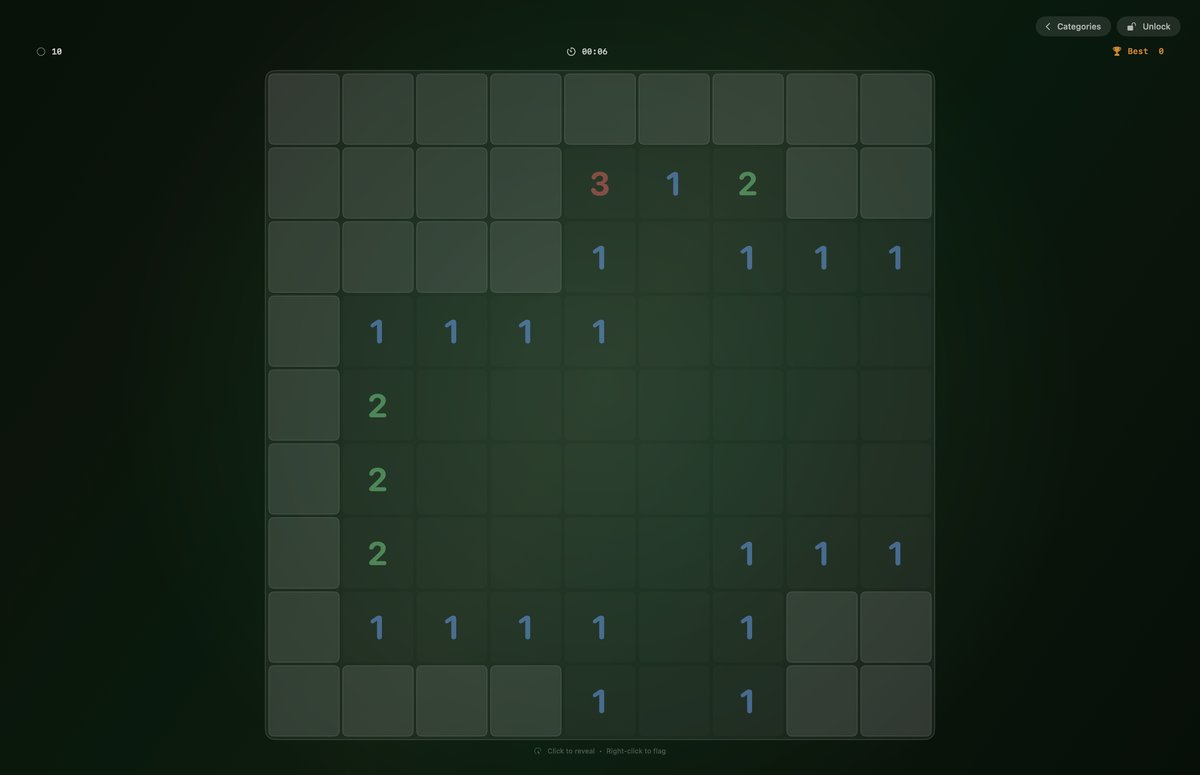
💣 Minesweeper
Space, Noir, Ocean, Ember, Forest. Change the mood without unlocking — just tap the theme switcher.
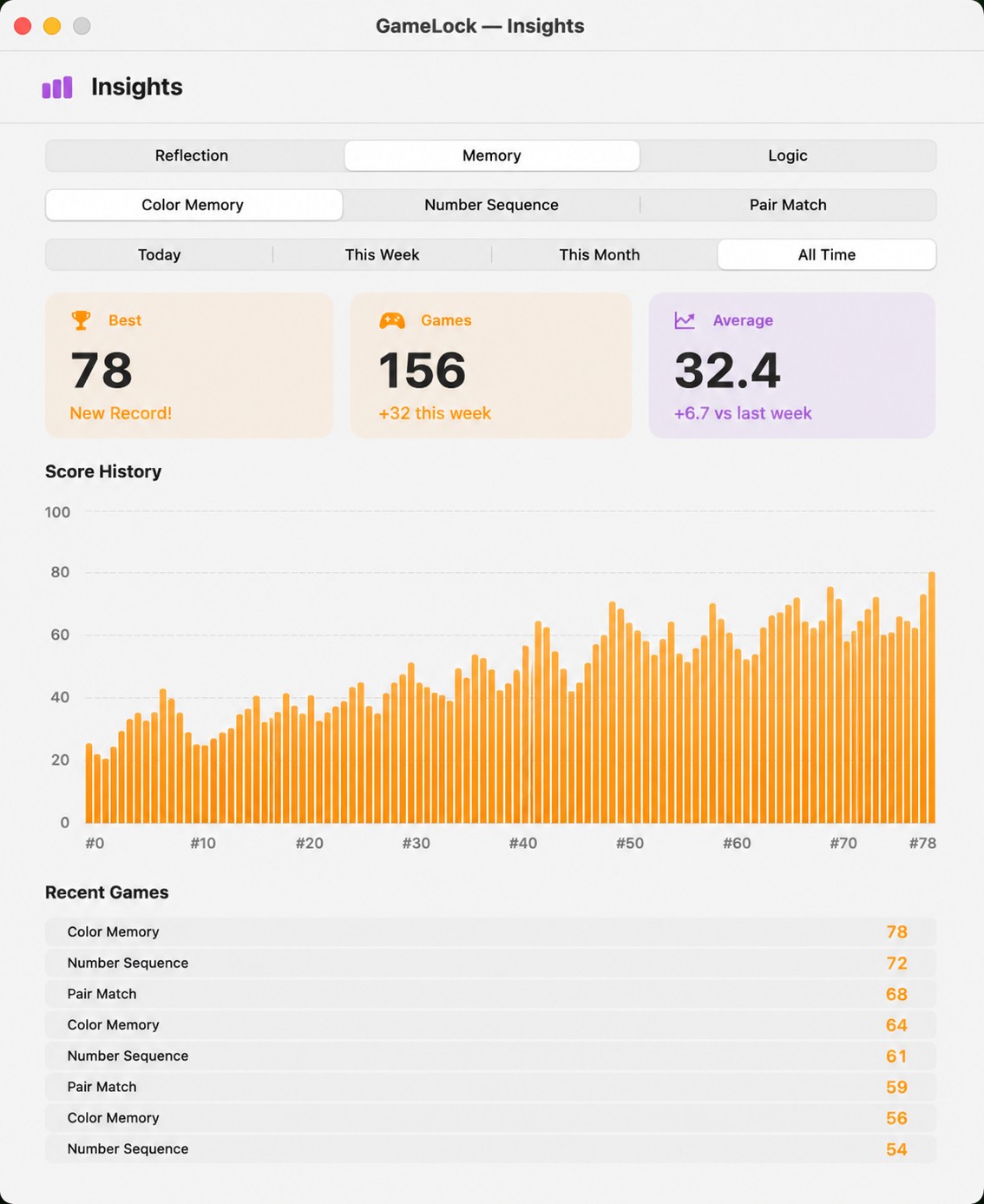
See your best games and improvement across every session. A little friendly competition with yourself.
Launches at login so it's always available. Trigger it from anywhere with ⌥⇧L — no menu bar click needed.
Space, Noir, Ocean, Ember, Forest. Switch anytime from the lock screen.
Track your scores over time. See your best games and improvement across sessions.
Press ⌥⇧L from anywhere to lock instantly — no need to click the menu bar.
Only Touch ID or your password gets you back. No escape key shortcut.
No — GameLock is a full-screen overlay that sits on top of everything. Your Mac stays running. It uses Touch ID and your login password to dismiss, same as the real lock screen.
Yes. Your license key works on up to 2 Macs. If you need more, just email us.
macOS 14 (Sonoma) or later. Apple Silicon and Intel both supported.
Yes — within 30 days, no questions asked. Email ravidayma111@gmail.com.
The lock screen stops working until you purchase. Your scores and settings are saved.
No permissions required. It works out of the box after installing.